
Searching Cases by Name
Begin a name search at New Mexico Case Lookup. The official instructions lay out last, first, and middle-name fields. Optional filters cover court type, court location, case category, filing date, and hearing date. Narrow beats broad. A statewide results list is hard to read. Pick the Colfax County location when it appears, and match the result's court and case type against the notice you are tracking. The site asks visitors to pass an anti-bot check before its search controls appear. The field list above comes straight from the court's own instructions.
- Open Case Lookup and choose the Name Search tab.
- Enter the last name first, then add first or middle name information only as needed to narrow the Colfax County result.
- Choose the correct court type and Colfax County court location, then use a case category or filing-date or hearing-date range when known.
- Open only the result that matches the court, number, and known case context. Read the available register of actions as a case index, not as a certified record.
The form's controls are summarized here from the official instructions. Not every field may be required, and the dropdown choices can shift as court data changes.
| Field Label | Type | Required | Notes |
|---|---|---|---|
| Last, first, middle name | Text | Unspecified | Name Search uses the name sequence documented by the official instructions. |
| Court Type | Dropdown | Optional | District, magistrate, metropolitan, and municipal categories are described in the public instructions. |
| Court Location | Dropdown | Optional | Narrow to Colfax County when the court location is known. |
| Case Category | Text or select | Optional | Use the case category only when it is known from the notice or court context. |
| Filing Date or Hearing Date | Date controls | Optional | Activate the date-range control and use the appropriate date basis. |
| Driver license or date of birth | Text | Optional or unspecified | These documented fields are subject to protected-identifier rules and should not be copied into examples. |
Colfax County Case Lookup Tabs
Case Lookup offers three public tabs: Name Search, Case Number Search, and DWI Search. The legacy instructions give the DWI tab full-name and SSN-oriented fields. Leave sensitive identifiers out of any ordinary search. For most Colfax County case searches, a full case number is the straightest path; fall back to a name search only when the number is unknown. The portal also lets you set results per page. No bulk download or export option exists for Colfax County cases. New Mexico Case Lookup is the public entry point for a Colfax County case search, and it may present an anti-bot challenge before the search form loads.
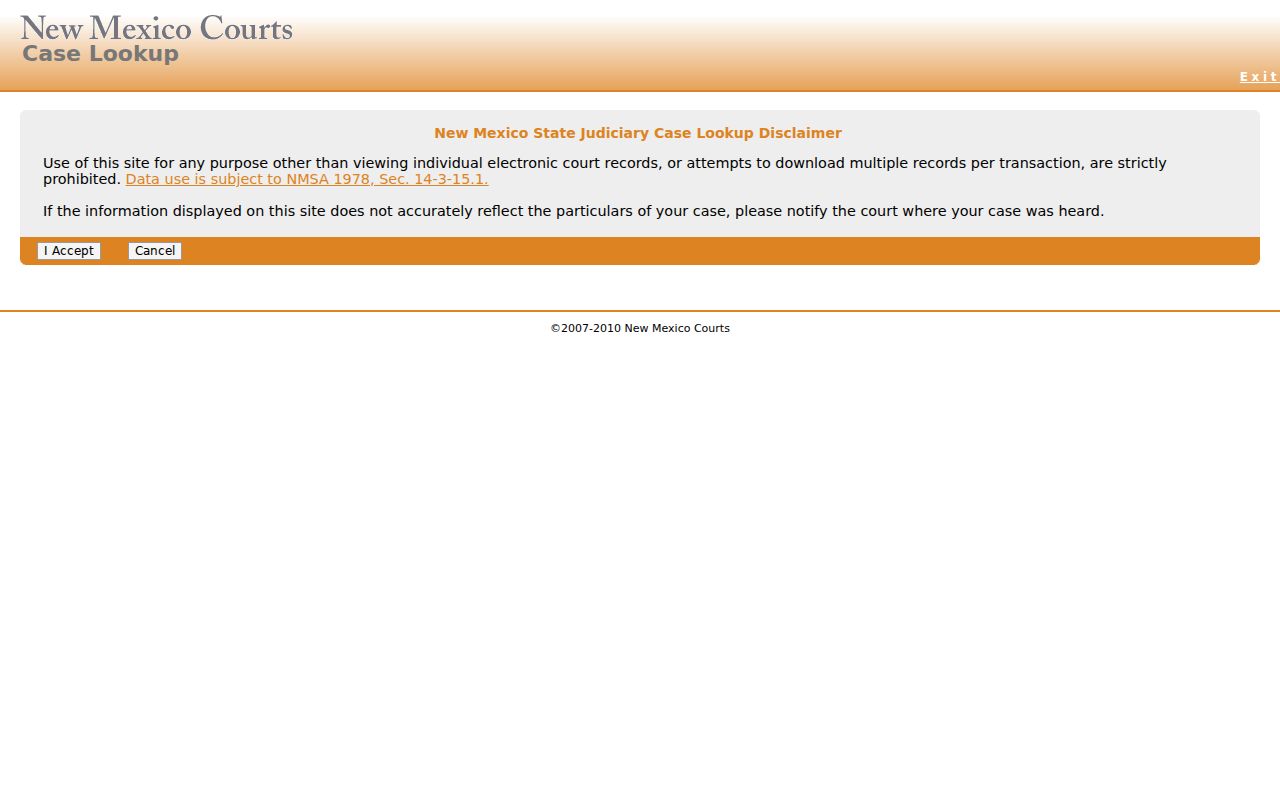
Think of the public endpoint as a locator. It finds court case information but does not promise that every filed image or local municipal matter opens online.
Colfax County Court Search Venues
Every Colfax County search starts with jurisdiction. Ask which court holds the case. District Court handles felony criminal cases, civil matters over $10,000, domestic relations, foreclosures, name changes, and orders of protection. Raton and Springer Magistrate Courts take limited-jurisdiction work: misdemeanors, DWI or DUI, traffic, felony preliminary hearings, and civil or landlord-tenant matters under $10,000. Each municipal court in Colfax County keeps its own docket for city ordinance, traffic, DWI or DUI, and petty-misdemeanor cases. Those local dockets sit outside the state portal.
| Colfax County venue | Typical case route | Search follow-up |
|---|---|---|
| Colfax District Court | Felony, domestic, higher-value civil, foreclosure, name-change, and district appeal matters. | Use Case Lookup, then the Eighth Judicial District Court Clerk for the record held by the district court. |
| Raton or Springer Magistrate | Limited civil, landlord-tenant, misdemeanor, DWI or DUI, traffic, and felony preliminary-hearing matters. | Use Case Lookup and confirm the responsible magistrate clerk when a Colfax County result is incomplete. |
| Municipal court | City traffic, ordinance, DWI or DUI, and petty-misdemeanor matters. | Use the city court named on the ticket because statewide municipal coverage is limited. |
Match the court first. That one step keeps a Colfax County state-court case from getting tangled with a city record or an unrelated county administrative file.
Searching by Case Number
A full case number is the strongest identifier in a Colfax County case search. The official Case Lookup instructions use D-101-CR-200600001 as an example, split across four inputs. Read it in parts: the court or location component, a case-type code such as CR, a year, and a sequence number. Keep the hyphens. Copy every component exactly as it appears on the notice. A partial number can point to the wrong court or return nothing even when the case exists.
The court component tells you district from magistrate. A Raton or Springer magistrate matter carries a different marker than a district case. A municipal citation may need a separate check with the municipal clerk. Statewide public coverage there is limited. If a Colfax County number is not recognized, confirm the venue, retry the name search with the court location narrowed, and consider whether the case predates statewide automation or is restricted. Never guess a missing sequence.
Note: the official sample shows a searchable structure only. It is not a Colfax County litigant record. It also does not prove every court uses the same format today.
Colfax County Search Filters
Court type, court location, case category, and date range are the filters that matter most in a Colfax County case search, according to the public instructions. Filing date and hearing date answer different questions. A case filed years ago can still have a current hearing, and a range tied only to filing will miss that setting. Start with the fact you know best. If nothing appears, loosen one restriction at a time. Then confirm the result sits at the right court level, because Colfax District Court, the two magistrate courts, and the municipal courts do not hold the same types of cases. The official legacy Case Lookup instructions preserve the search tabs, fields, result controls, and coverage notices behind a Colfax County case search.
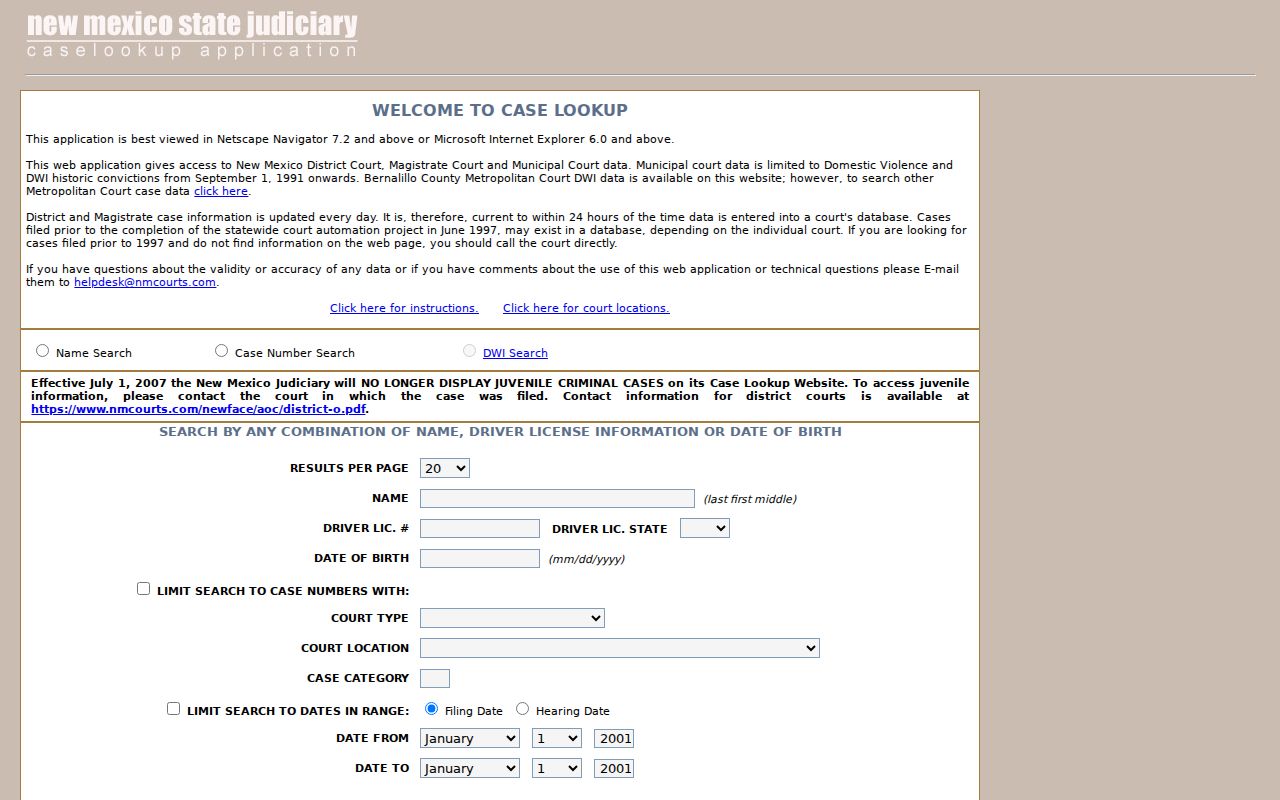
The documented fields support a focused search. Still, check the live form directly before relying on any particular option, since controls can change.
What a Case Search Returns
A Colfax County search result gives you case information and docket-style entries, though how much detail you see depends on the case and your access level. New Mexico Rule 1-079 defines the court record broadly. It covers the register of actions, docket entries, filings, exhibits, and transcripts. Think of the register as a chronological index of events in the case. It does not hand you the full text of every motion, order, or exhibit. The public view may also show fewer fields than an internal court system or an authorized registered account would display.
| Case number | The court, case-type, year, and sequence identifier used to match the Colfax County matter. |
|---|---|
| Case style or parties | The caption and role labels visible in the public access tier, subject to redaction and restriction. |
| Court and category | The district, magistrate, municipal, probate, or other venue and the case category where displayed. |
| Filed date and status | The case start date and an available open, closed, disposed, or other status indicator. |
| Docket entries | Chronological events such as filing, notice, motion, hearing, continuance, order, judgment, sentence, dismissal, or appeal. |
| Setting information | A public hearing date, time, court, judge or division, and event type when the case view exposes those fields. |
| Documents | Possible document access only where the public or registered tier authorizes it; an absent image does not establish that no document exists. |
Read the event date and the description together on any Colfax County docket entry. The date listed is not always the day a judge signed the underlying document.
Colfax County Document Access
Free Case Lookup is the entry point. It does not promise an image of every filed document. The official public-access information lays out three tiers. These are Case Lookup for the general public, legacy SOPA for registered users, and re:SearchNM for registered users. Active SOPA accounts moved to re:SearchNM on April 7, 2023. Depending on a user's profile, re:SearchNM can supply case information and documents for civil, criminal, family, probate, and appellate or district or magistrate matters. What you can see is governed by registration terms and category rules. Confidential material gets special limits. New Mexico's public-access and re:SearchNM information explains the general-public and registered layers that apply to Colfax County cases.
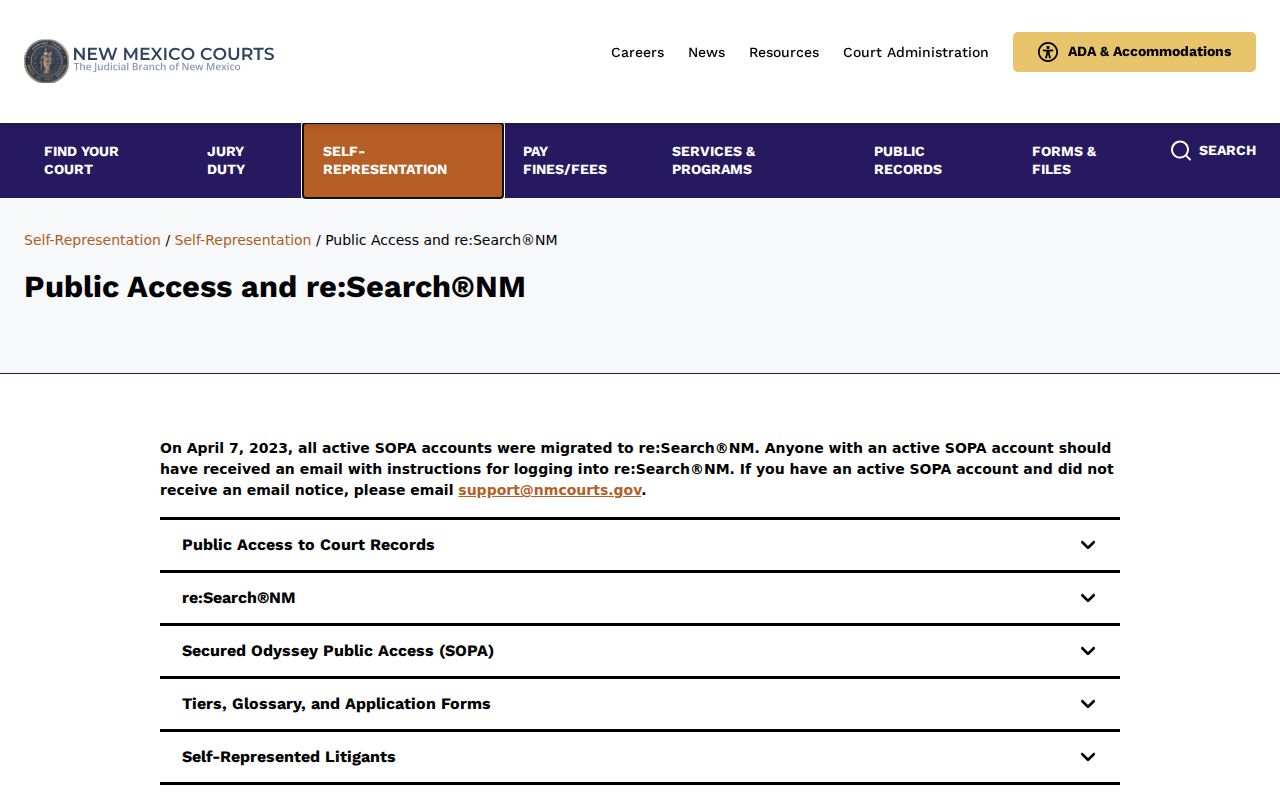
These tiers explain a common Colfax County frustration: a docket event shows up, but the attached document does not appear in the public result. The registered re:SearchNM landing page is the official route into the system that replaced active SOPA accounts.
Registered access does not override a sealing order, a protected category, or the profile-based limits on a Colfax County record. Logging in changes your view, not the law.
Colfax County Public Search Coverage
The official Case Lookup instructions say district and magistrate information is generally updated daily. Current means within 24 hours of court data entry. Treat that as an update description. It is not a promise that a brand-new Colfax County filing, order, or hearing is already visible. Municipal coverage is thinner. The public instructions list historic domestic-violence and DWI convictions beginning September 1, 1991. Other municipal case information may require the city court. Matters from before 1997 can also be missing. Statewide automation was not yet complete.
Colfax County search limit: A blank public result can mean a wrong venue, a recent entry, limited municipal coverage, pre-automation history, or a protected case. It does not establish that a court record was never created.
For the current Colfax County status, confirm the venue first. Then widen the date range or ask the clerk about lawful access.
Statewide vs County Case Search
Colfax County has no separate public county case-search portal that replaces New Mexico Case Lookup. The official local district docket page works as a landing page. It is not a continuously populated, dated docket list. To find a Colfax District Court or magistrate matter, use the statewide portal first. From there, turn to the court clerk, registered access, or an IPRA request. Ask for the specific record you need. This distinction matters. It keeps you from treating a county administrative-record office or payment page as the keeper of a state court case file.
| New Mexico Case Lookup | Colfax County court and clerk channels |
|---|---|
| Statewide public locator with name, case-number, DWI, court, and date-search options. | District, magistrate, or municipal clerk confirmation for the court that holds the case. |
| District and magistrate information is generally updated daily and current within 24 hours of entry, according to the official instructions. | In-person inspection, phone assistance, copies, and certified records where authorized and available. |
| Best for a known case number or a narrowed Colfax County name search. | Best for a missing result, document request, restricted-access question, or municipal matter. |
| Does not promise every document and has limited municipal and historic coverage. | Does not create a universal online export, public terminal guarantee, or fixed turnaround time. |
Once you know the case and court, use the Colfax County court calendar route for a local court date.
Colfax County Registered Search Access
The Case Lookup and re:SearchNM split is a practical Colfax County access issue. One is a public search channel. The other is a registered system. Available case information and documents depend on the user's profile and access rules. SOPA matters mainly as the legacy login and migration path. It is not a second public docket database to search separately. Finding a name in the public portal is not proof. Registration will not necessarily unlock a fuller document view. The SOPA login and transition endpoint stays live as an official reference for the legacy secure-public-access route.
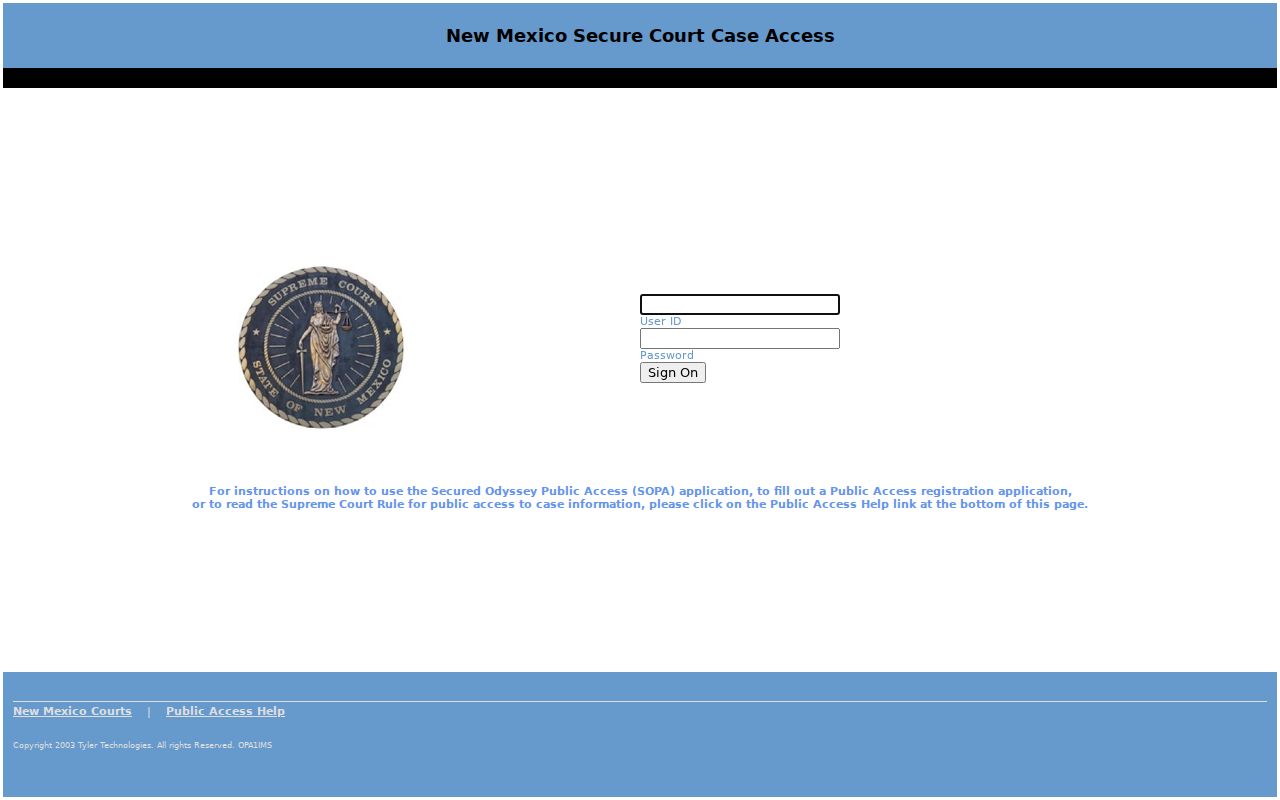
The legacy screen documents a transition path. It does not change the Colfax County court or clerk that holds the original case file.
Access and Restricted Cases
New Mexico Rule 1-079 opens the courthouse door to public access. It shields identifiers and confidential categories. The rule bars public display of all but the last four digits of Social Security, tax-identification, account, and driver-license numbers. It also hides all but the year of birth. A sealed or protected Colfax County case may vanish from a public search. It may appear with limited information. Per the official Case Lookup instructions, juvenile criminal cases stopped displaying online effective July 1, 2007. Family Violence Protection Act order-of-protection cases stopped displaying effective July 1, 2008.
A blank result has many possible causes. The court queried may be the wrong one. Municipal coverage may be limited, the entry may not be posted yet, or the matter may predate statewide automation, which finished around June 1997. Do not guess the reason from an empty screen. Contact the responsible Colfax County court and ask about lawful access. A sealing order can dictate who may inspect a record and for how long. Authorization may be required even when the case is known. Rule 1-079 NMRA is the official public-access rule governing registers of actions, protected identifiers, sealing, and inspection.
Colfax County Missing Case Results
A Colfax County case search can come up empty for simple reasons. Check the court level before you retry the same name over and over. A felony often leaves a footprint in two places. A magistrate preliminary hearing may sit beside a full district case. City tickets go elsewhere entirely. They sit in Angel Fire, Cimarron, Eagle Nest, Raton, or Springer Municipal Court. Probate and federal files each rest with their own offices. They are not part of the county docket you were searching. For anything old, restricted, or tied to one specific document, call or visit the clerk who holds it. The judiciary also offers an IPRA route for written requests. Include the court location, case number, date range, and a clear description of the record you want.
The New Mexico IPRA court-records portal takes those details through an online form. It routes the request to the court or department believed to hold the file. It is a request tool, not a live case database.
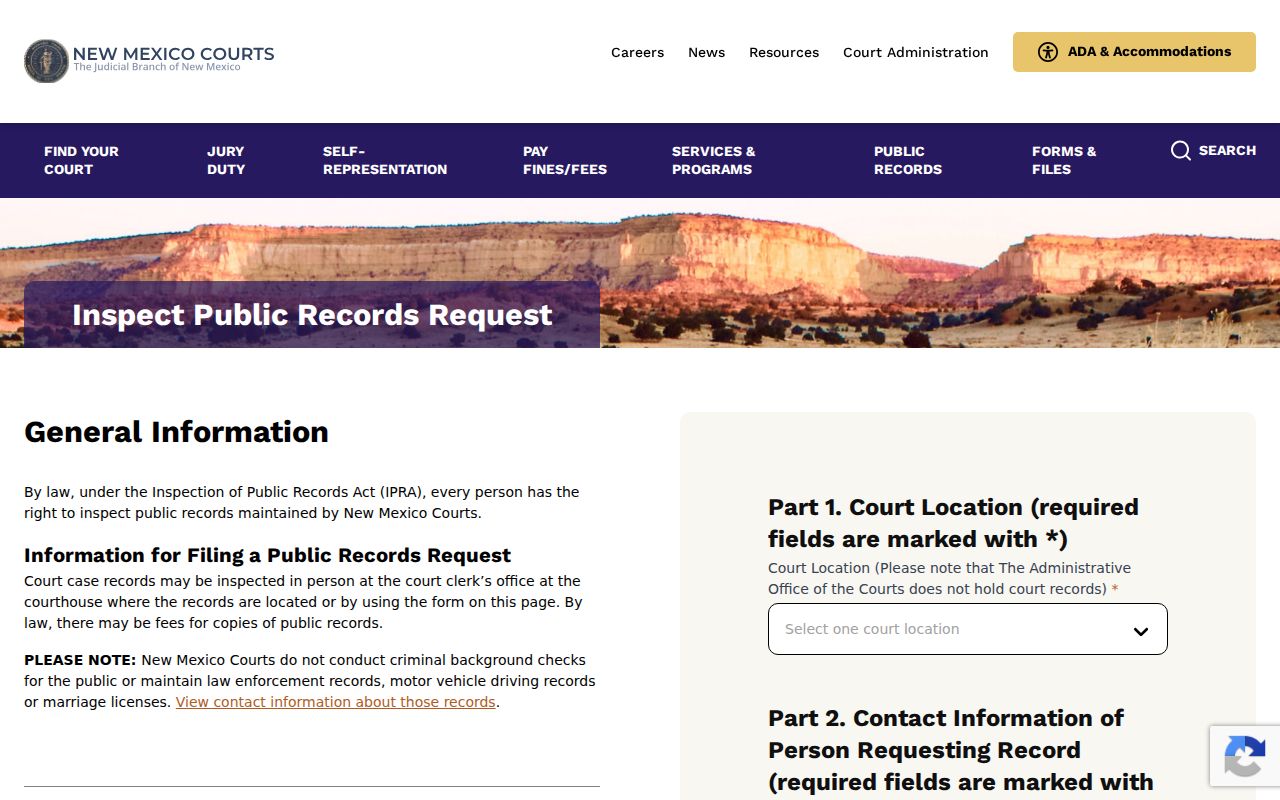
The form asks you to pick a court location and describe the record with reasonable particularity, so a Colfax County case number plus the document type helps staff route it fast. District files sit with the Eighth Judicial District Court Clerk, while Raton, Springer, and the municipal clerks each keep their own court records.
Note: An IPRA request works for a specifically described record. It cannot bypass sealed-case restrictions, and no universal processing time is promised.
Colfax County Clerk Case Follow-Up
For a Colfax County district-court file, follow-up belongs with the Eighth Judicial District Court Clerk. A clerk can tell you whether your result landed in the right court. The clerk can also say whether an entry appears online, and whether copies or inspection are available. Name the item precisely. That might mean a register printout. It could also be a plain copy, a certified copy, an audio record, or a filed order. Do not confuse the offices, though. The Colfax County Clerk handles administrative, land, and election records, and it is not the default custodian for a district or magistrate court case.
Eighth Judicial District Court Clerk
District-court files are available through the Colfax County district access point at 1413 S. Second St., Raton, NM 87740. Published hours are Monday through Friday, 8:00 a.m. to 4:00 p.m., open through lunch.
575-445-5584
Colfax County Magistrate Clerks
Raton Magistrate is at 1413 S. Second St., Raton, telephone 575-445-2220. Springer Magistrate is at 15 Airport Road SW, Springer, telephone 575-483-2417.
The Eighth District locations and contacts page posts the official Colfax County court-access details, including phone numbers and counter hours. Call ahead to confirm current procedures before you visit.